How Does JavaScript Keep One Giant File From Turning Into a Mess?
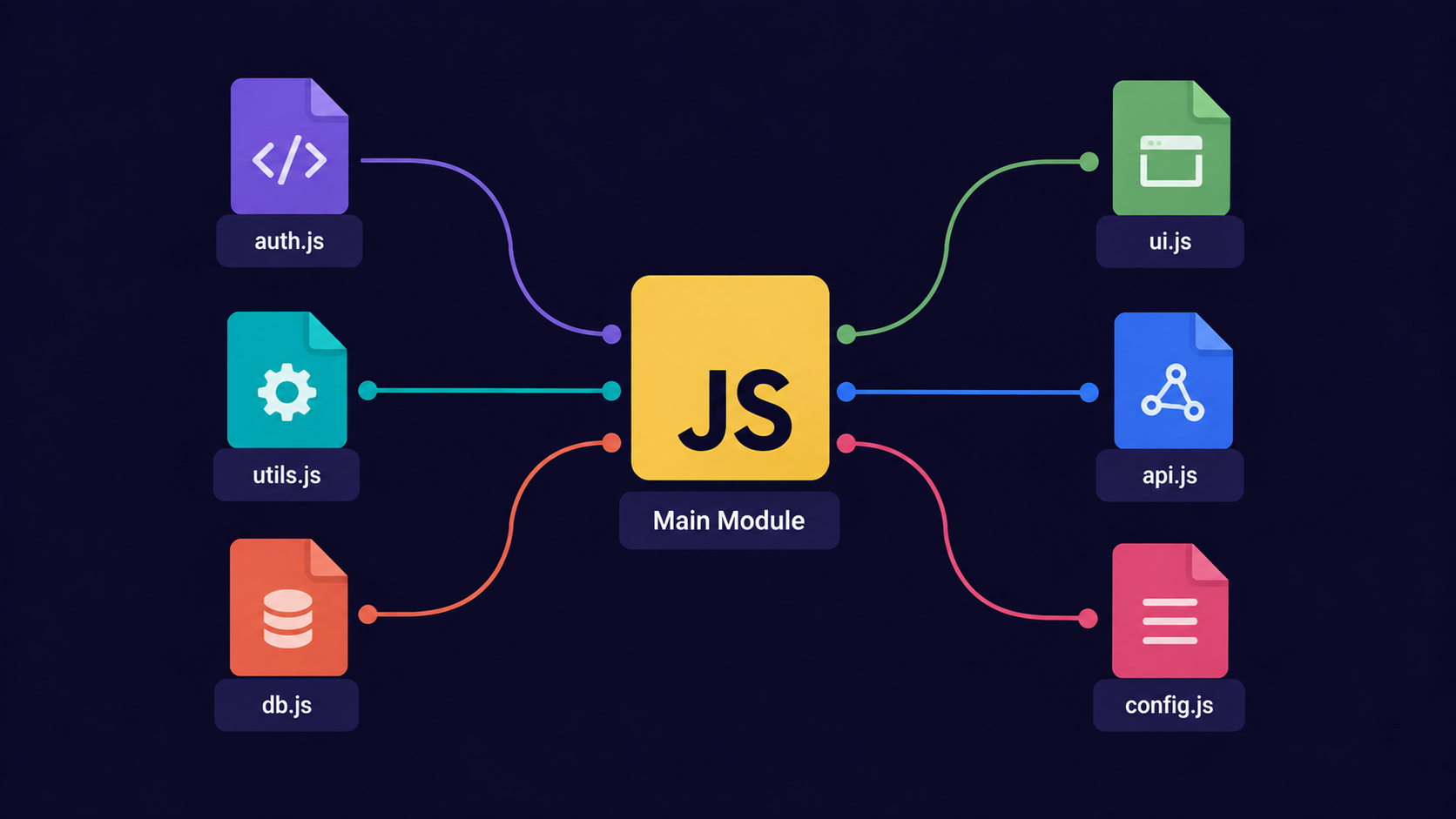
How Does JavaScript Keep One Giant File From Turning Into a Mess?
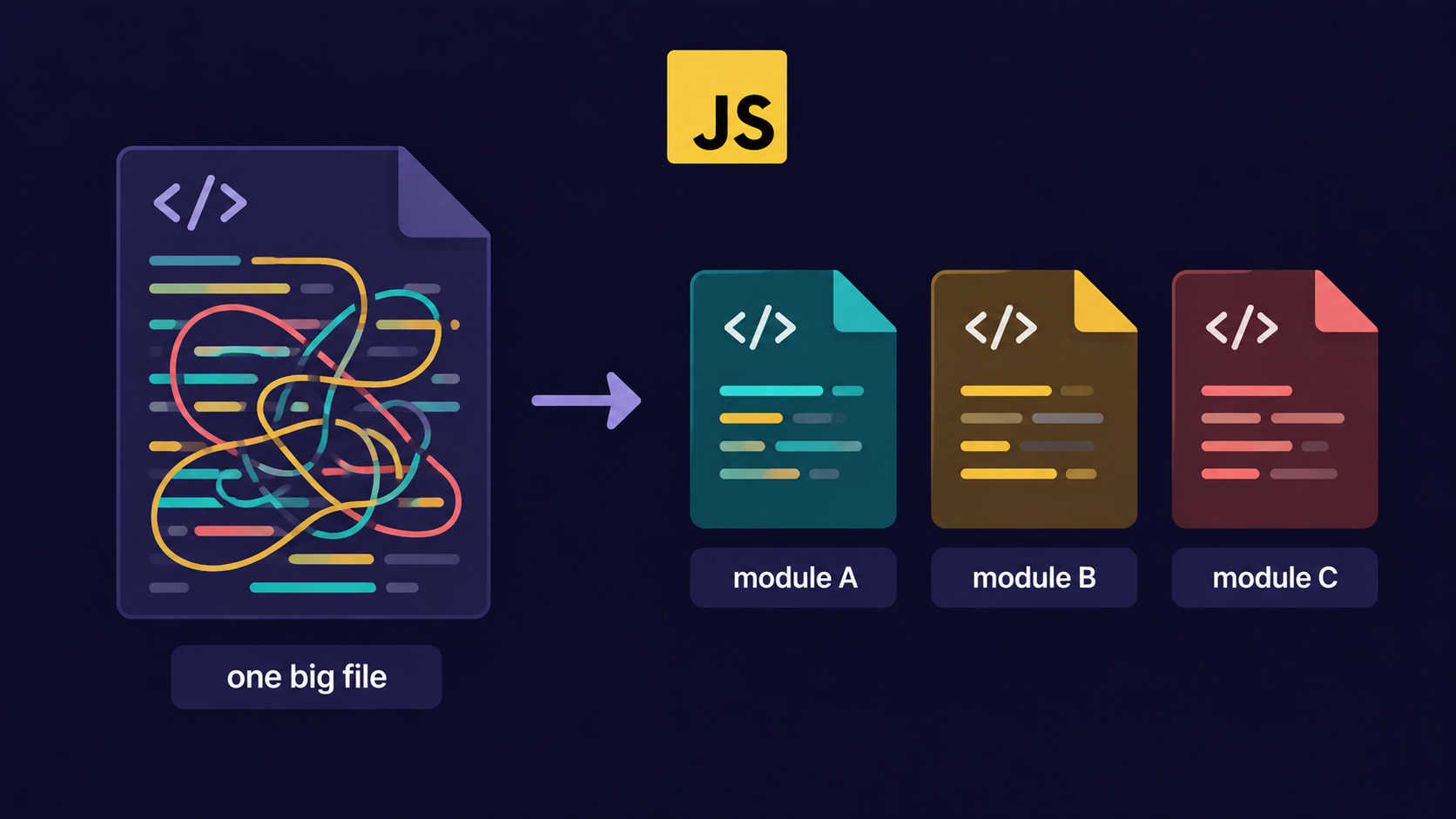
Many beginners write their entire project inside one index.js file. Variables, functions, and logic all sitting in one place.
That's not how real projects work. That's not even how small real projects work for long.
A module is a self-contained JavaScript file that decides what code it wants to share (
export) and what code it wants to borrow from other files (import).
Once you split code into modules, each file has one job. And other files can politely ask for exactly what they need.
Analogy: The Restaurant Kitchen Stations
Think of a busy restaurant kitchen. There isn't one chef doing everything.
There's a grill station, a salad station, and a dessert station. Each one specializes.
| Restaurant | JavaScript |
|---|---|
| Kitchen station | A module (a .js file) |
| Dish placed on the pass-through counter | export |
| Waiter picking up a dish for a table | import |
| Station's one signature dish | default export |
| The station's other regular menu items | named exports |
The grill station doesn't hand raw meat to the customer. It hands over a finished, ready-to-use dish. That's exactly what a well-written module does with its code.

Why Do We Need Modules?
Before modules, browsers loaded every script into one shared global space. Every variable and function lived in the same room.
This caused real problems:
Two files could accidentally use the same variable name and overwrite each other.
There was no clear way to know which file a function actually came from.
Reusing code meant copy-pasting it, not importing it.
Modules fix this by giving every file its own private scope. Nothing leaks out unless you explicitly export it.
If you don't export something, it stays invisible to every other file. That's the whole point.
After seeing why isolation matters, the next question is: how do you actually let a file share something?
Step 1: Exporting From a Module
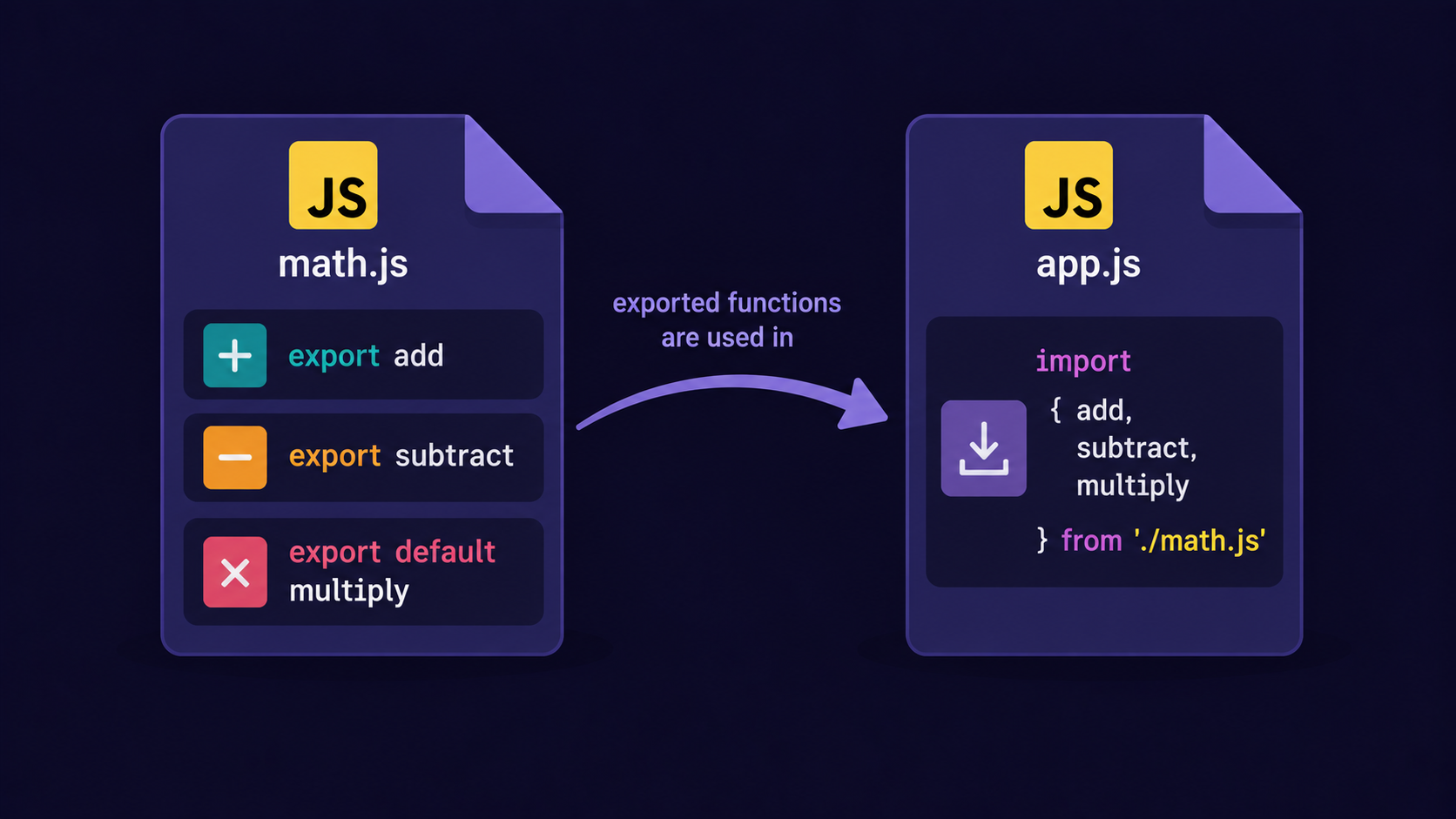
Here's a small kitchen station file that exports two "dishes" - a named export and a default export.
math.js
// Named exports — the station's regular menu items
export function add(a, b) {
  return a + b;
}

export function subtract(a, b) {
  return a - b;
}

// Default export — the station's signature dish
export default function multiply(a, b) {
  return a * b;
}
A file can have as many named exports as it wants, but only one default export.
Important Rule
You cannot have two export default statements in the same file. JavaScript will throw a syntax error immediately.
Step 2: Importing Into Another File
The waiter (another file) now walks over and picks up exactly the dishes it needs.
app.js
import multiply, { add, subtract } from './math.js';

console.log(add(2, 3));       // 5
console.log(subtract(5, 2));  // 3
console.log(multiply(4, 3));  // 12
Result in the console:
5
3
12
Notice the default export (multiply) is imported without curly braces, and the named exports (add, subtract) are imported with curly braces. That single detail is where most beginners slip up.
We're keeping this to plain import/export syntax for now. We avoid bundler and build-tool details here - confidence with the syntax comes first.
Now that both directions work, the next question is: what's the actual difference between these two export styles?
Default vs Named Exports
| Default export | Named export | |
|---|---|---|
| Count per file | Only 1 allowed | As many as needed |
| Import syntax | import anyName from './file.js' |
import { exactName } from './file.js' |
| Rename on import | Free to rename | Must use the original name (or as) |
| Best for | The one "main" thing a file provides | Multiple small, related utilities |
A named export must be imported using its exact original name, unless you rename it explicitly:
import { add as sum } from './math.js';
A default export has no fixed name at all. You can call it whatever makes sense in the file that's importing it.
Step 3: Why This Actually Matters
Here's the same idea, scaled up to a real app.
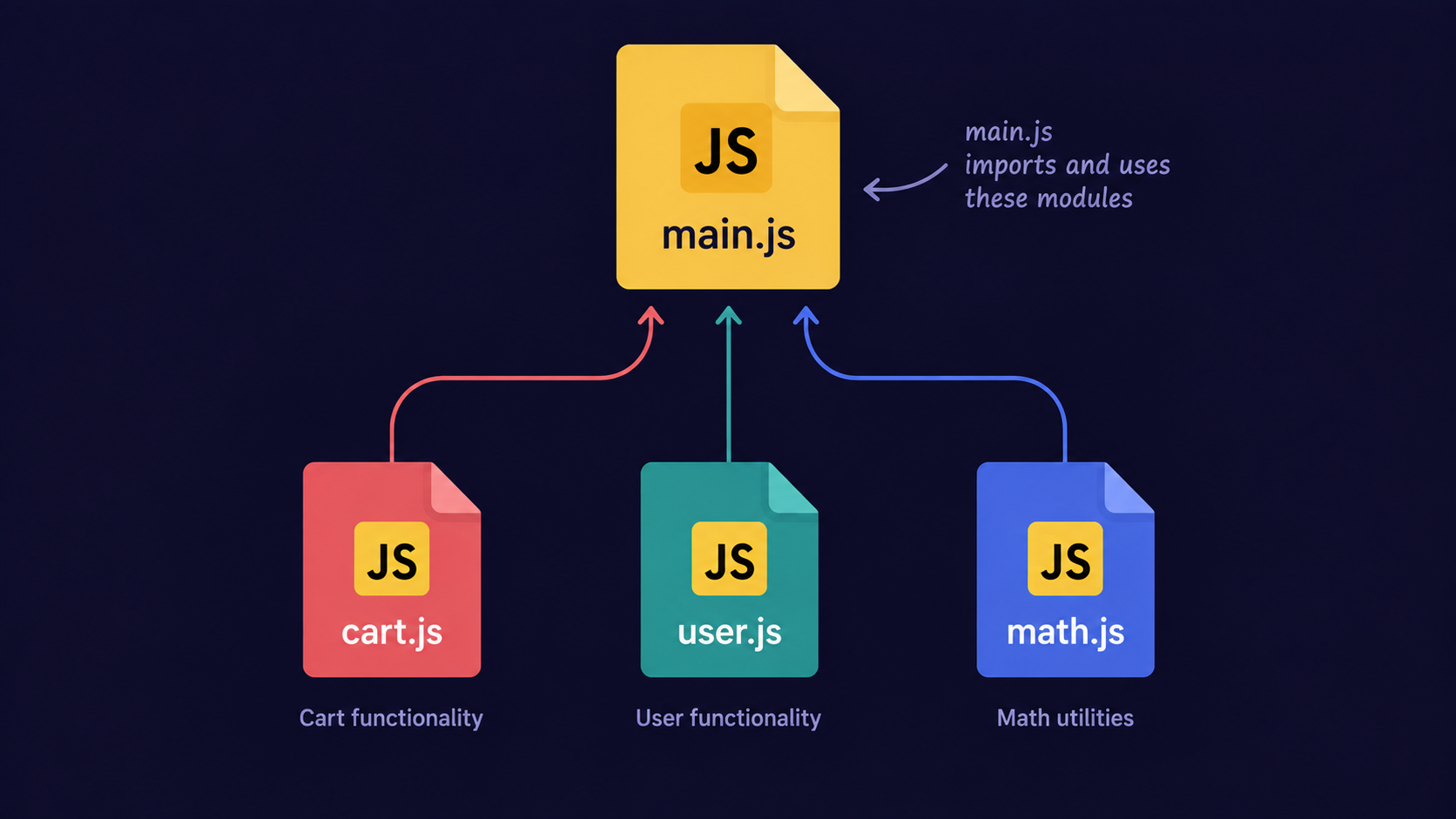
Imagine three files: cart.js handles cart logic, user.js handles login state, and main.js pulls both together.
// main.js

import { addToCart, getCartTotal } from './cart.js';
import currentUser from './user.js';

console.log(`${currentUser.name}'s cart total: ${getCartTotal()}`);
main.js doesn't need to know how the cart works internally. It just imports what it needs.
How All of These Work Together
A real project is a web of small files, each importing from a few others, forming a dependency chain.
math.jsandcart.jsexport their own logic, with zero knowledge of who will use it.user.jsexports the current logged-in user as a default export.main.jsimports from all three and assembles the final behavior.The browser (or Node) resolves this whole chain and runs it in the correct order.
This is also why file organization matters. A tangled dependency chain is just as confusing as one giant file - modules only help if each one has a clear, single responsibility.
Benefits of Modular Code
Maintainability - fixing a bug in
cart.jsdoesn't risk breakinguser.js.Reusability -
math.jscan be imported into ten different projects unchanged.Readability - anyone opening
main.jscan see exactly where each piece comes from.Testability - you can test
add()andsubtract()in isolation, without loading the entire app.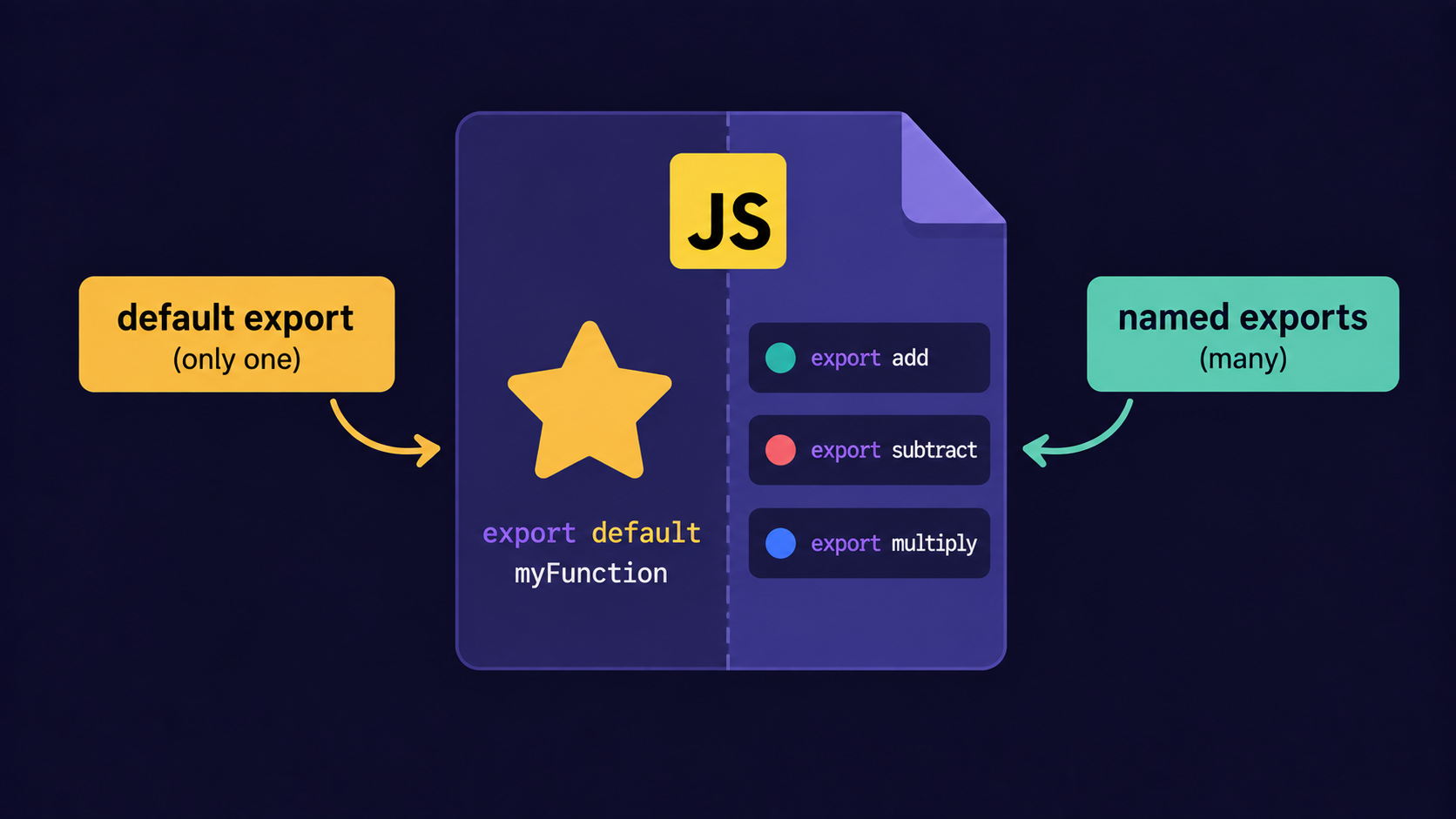
Assignment
Hands-On Assignment: Build Your Own Module
Task: Create a file called greetings.js that:
-
Has a named export
sayHello(name)that returns"Hello, {name}!" -
Has a default export
sayGoodbye(name)that returns"Goodbye, {name}!"
Then, in main.js, import both and log the results for the name "Give Your Name".
Solution:
// greetings.js export function sayHello(name) { return `Hello, ${name}!`; }
export default function sayGoodbye(name) { returnGoodbye, ${name}!; }
// main.js
import sayGoodbye, { sayHello } from './greetings.js';
console.log(sayHello('Sahil'));    // Hello, Sahil!
console.log(sayGoodbye('Sahil'));  // Goodbye, Sahil!
Conclusion
-
Modules split code into self-contained files with their own private scope.
-
exportshares code. -
importborrows it in another file. -
A file can have one default export and unlimited named exports.
-
Modular code is easier to maintain, reuse, read, and test.
If this felt like a lot at once, that's okay. What matters is understanding the flow - one station, one dish, one clear handoff at a time.
Conclusion
Modules split code into self-contained files with their own private scope.
exportshares code;importborrows it in another file.A file can have one default export and unlimited named exports.
Modular code is easier to maintain, reuse, read, and test.
If this felt like a lot at once, that's okay. What matters is understanding the flow - one station, one dish, one clear handoff at a time.
If you find this helpful, drop a comment or reaction.