Why Are Template Literals Better Than String Concatenation in JavaScript?
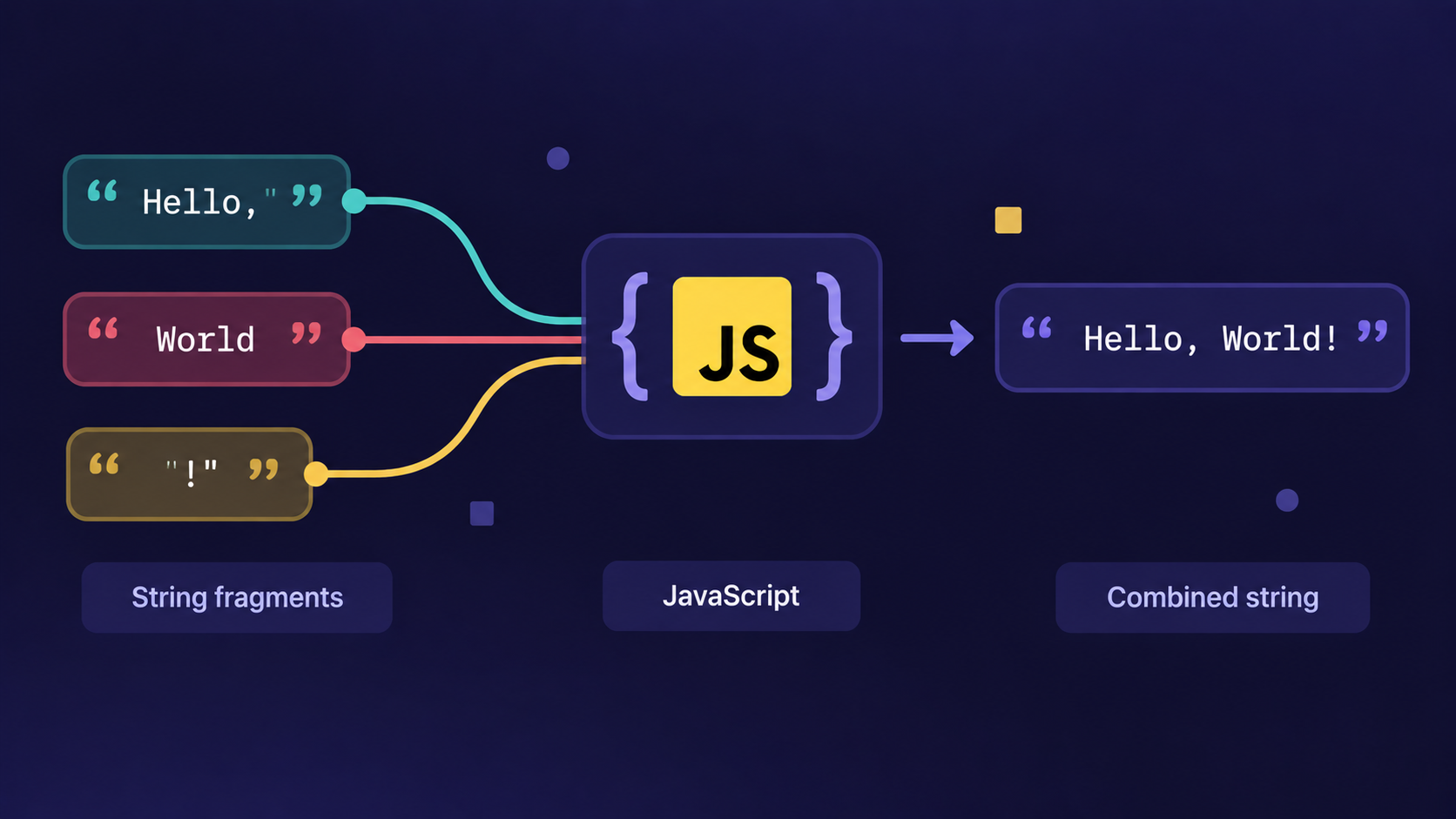
Why does joining strings with + feel so messy in JavaScript?
If you've ever written something like this:
const name = "Sahil";
let count = 10;

console.log("Hello, " + name + "! You have " + count + " new messages."); // Hello, Sahil! You have 10 new message.
you already know the pain. Missing spaces, mismatched quotes, and a sentence that's impossible to read at a glance.
Many beginners think this + based joining - called string concatenation - is just how JavaScript works, and that messy output is the price you pay. That's not true. JavaScript has a cleaner way built right in.
Template literals are strings wrapped in backticks (
``) that let you embed variables and expressions directly inside the text using${}.
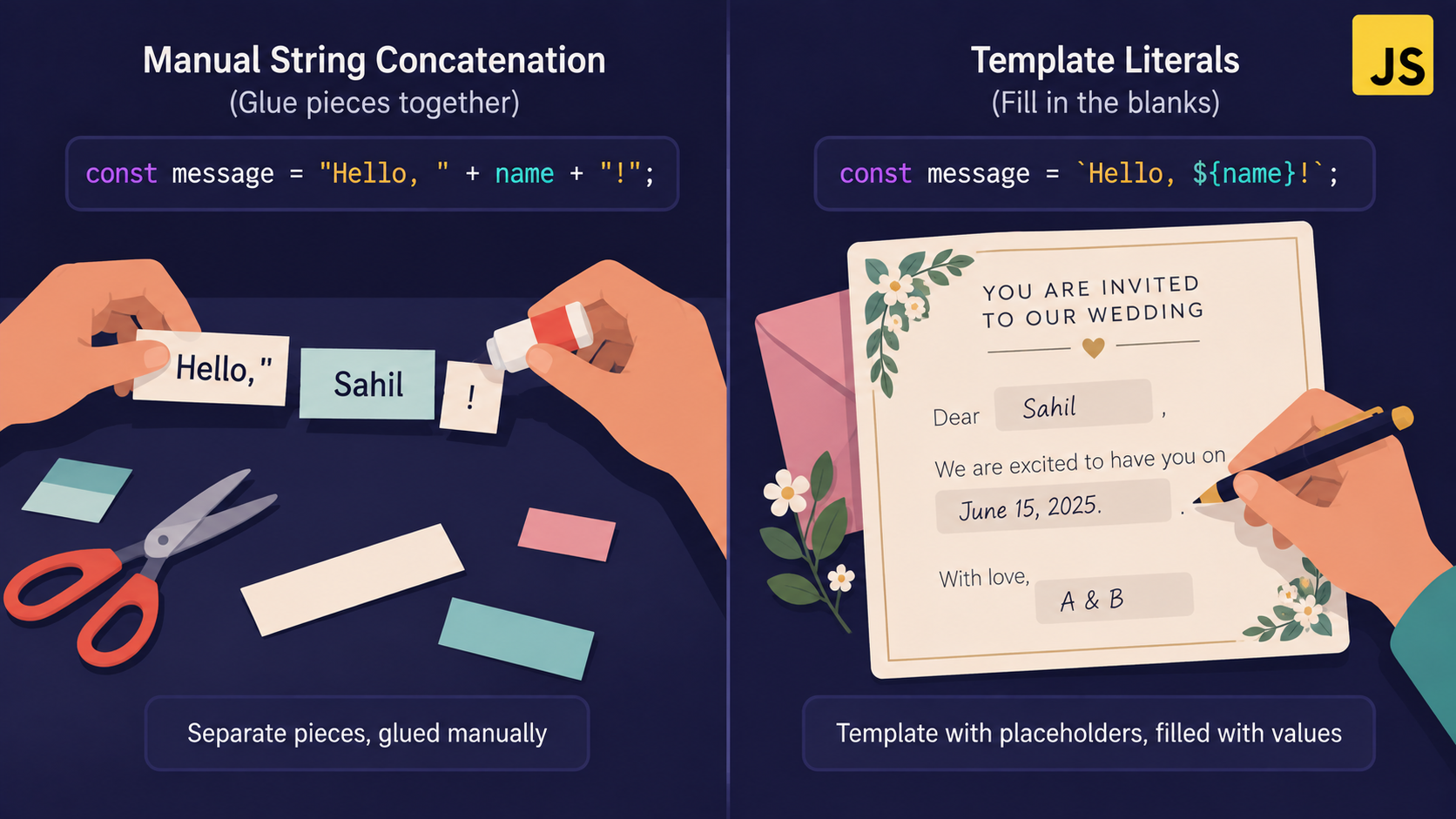
Analogy: The Wedding Invitation Card
Imagine two ways of sending 100 wedding invitations.
The old way: you handwrite every single card from scratch - name, date, venue, all typed out fresh each time. One typo in "venue" and you retype the whole card.
The new way: you print one invitation template with blank slots for name, date, and venue. You just fill in the blanks. The rest of the card stays exactly as designed.
String concatenation is the handwritten card. Template literals are the printed template with blanks.
| Wedding card | JavaScript |
|---|---|
| Printed card with blank slots | Template literal (`...`) |
| A blank slot for "Guest Name" | ${Guest Name} |
| Filling in the blank | JavaScript evaluating the expression |
| Reprinting the whole card | Rebuilding a + string from scratch |
The mechanism: how template literals work
Wrap your string in backticks, not single or double quotes.
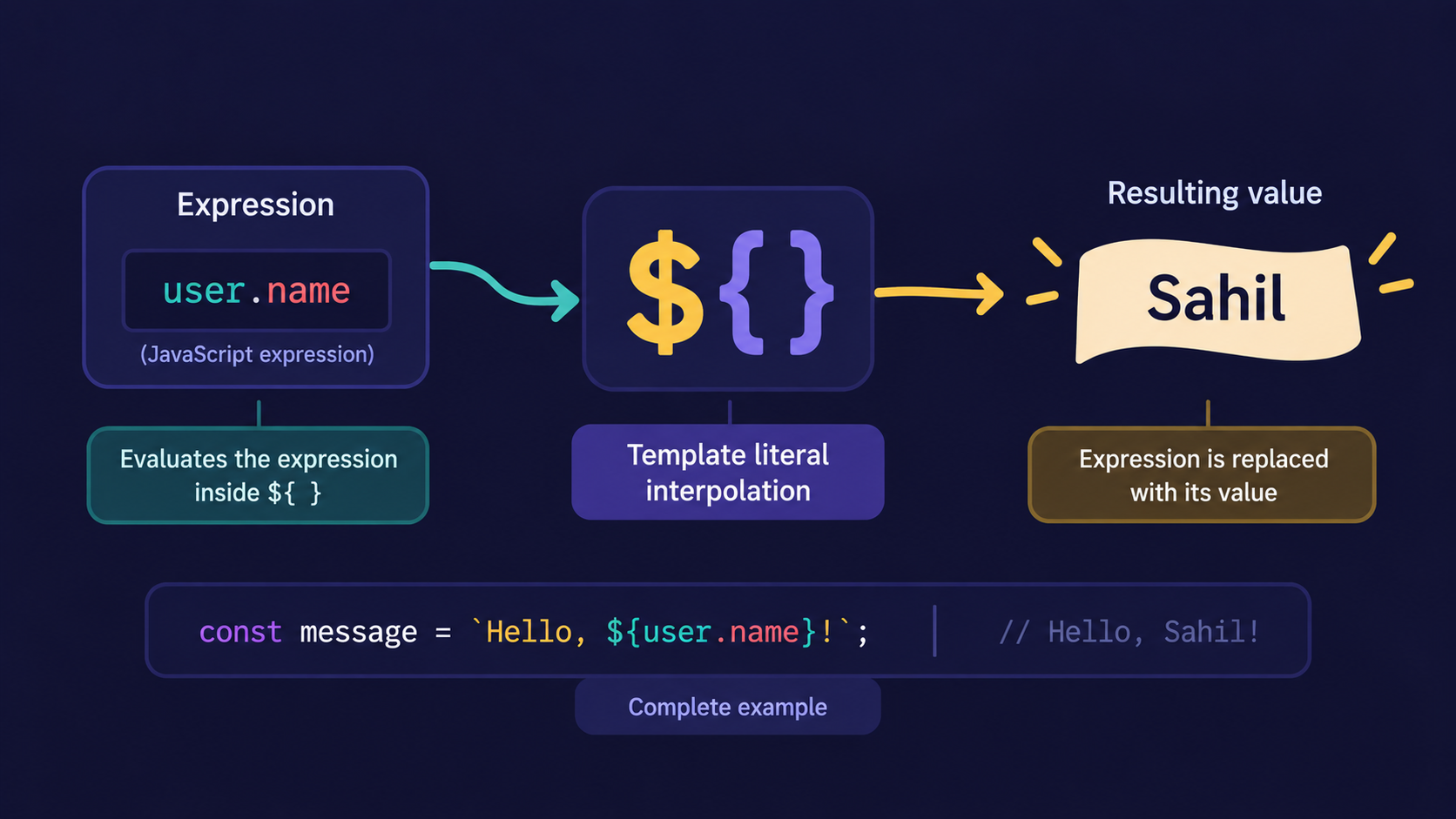
Drop a variable or expression inside
${}wherever you want a value inserted.JavaScript evaluates whatever is inside
${}and converts the result to a string.The result is stitched into the final string automatically - no
+signs needed.
const name = "Sahil";
const count = 3;

const message = `Hello, ${name}! You have ${count} new messages.`;

console.log(message); // Hello, Sahil! You have 3 new messages.
That's the entire mechanism. One pair of backticks, and as many ${} slots as you need.
Important Rule
${} only works inside backticks. It does nothing inside single or double quotes - JavaScript will just print ${name} as plain text, not the value.
console.log('Hello, ${name}');   // Hello, ${name}  (literally!)
console.log(`Hello, ${name}`);   // Hello, Sahil
Why do we need this at all?
After seeing the syntax, the natural question is: what problem does it actually solve? A few, at once:
Readability - the sentence reads like a sentence, not a chain of quotes and plus signs.
Fewer bugs - no more forgetting a space or misplacing a quote mark.
Automatic conversion - numbers, booleans, even function results are converted to strings for you inside
${}.Expressions, not just variables - you can do math or call a function directly inside the slot.
const price = 250;
const qty = 3;

console.log(`Total: ₹${price * qty}`); // Total: ₹750
Try doing that cleanly with + concatenation - you'd need extra parentheses just to keep the math from breaking.
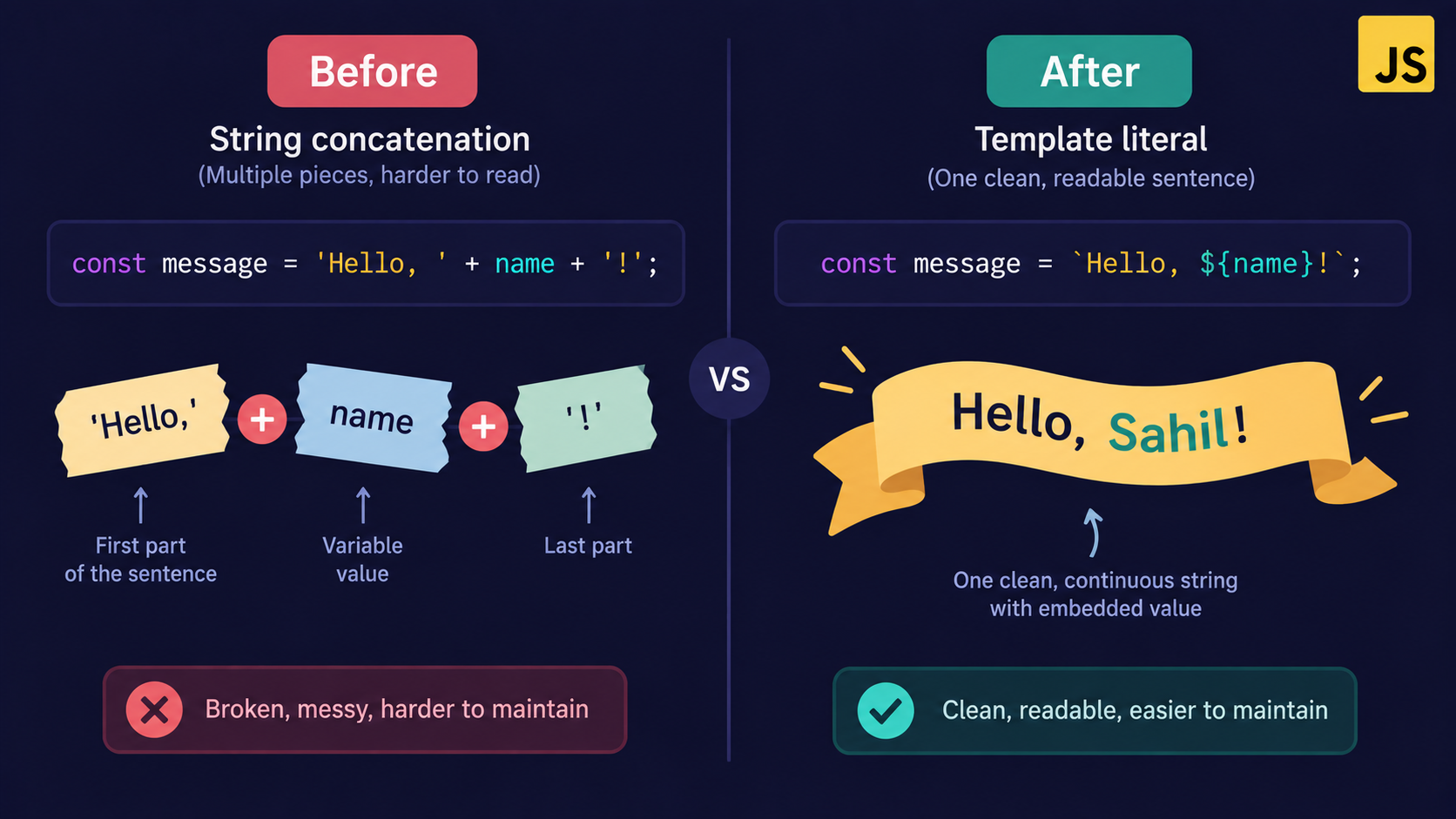
After solving the readability problem, the next question is: what about strings that span multiple lines?
Multi-line strings, without the hacks
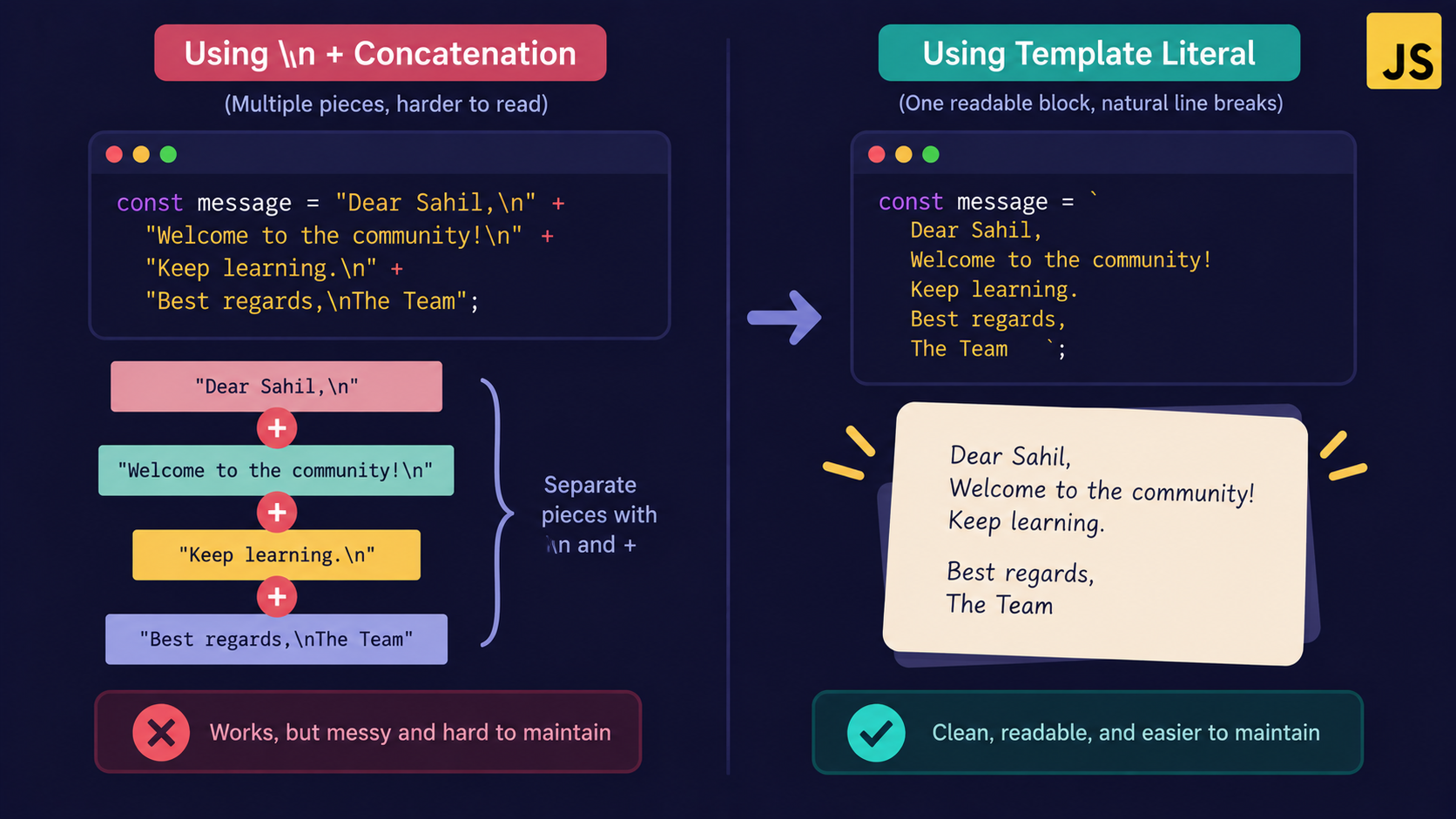
Before template literals, writing a multi-line string meant manually inserting \n or concatenating separate lines:
const name = "Sahil";

const oldWay = "Dear " + name + ",\n" +
  "Your order has been shipped.\n" +
  "Thank you for shopping with us.";

console.log(oldWay);

// Output:

/*
Dear Sahil,
Your order has been shipped.
Thank you for shopping with us.
*/
With template literals, you just press Enter inside the backticks. The line breaks are preserved exactly as typed:
const name = "Sahil";

const newWay = `Dear ${name},
Your order has been shipped.
Thank you for shopping with us.`;

console.log(newWay);

// Output:

/*
Dear Sahil,
Your order has been shipped.
Thank you for shopping with us.
*/
No \n, no +, no broken indentation to debug later.
Where you'll actually use this in modern JavaScript
Template literals show up constantly once you start looking:
Dynamic HTML - building a card's inner content before inserting it into the DOM.
API messages and logs - readable error strings with live variable values.
Building URLs -
https://api.example.com/users/${userId}instead of gluing pieces together.Styling in frameworks - tools like styled-components use a special form called tagged templates, which we'll save for a later, more advanced post.
const productCard = `
  <div class="card">
    <h3>${product.name}</h3>
    <p>₹${product.price}</p>
  </div>
`;
How it all comes together
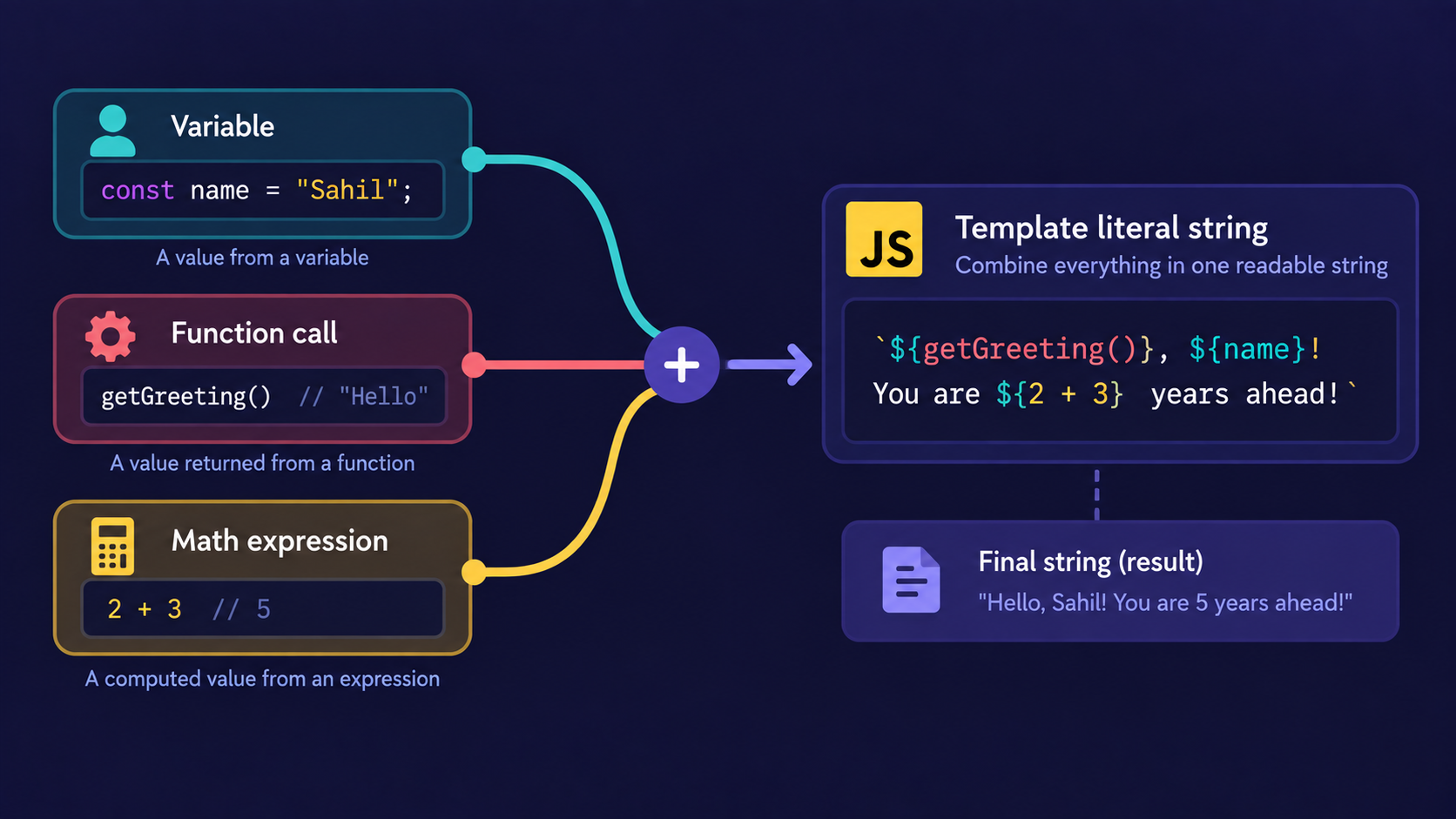
A single template literal can mix variables, expressions, and function calls - all in one string, all evaluated at once.
function getDiscount(price) {
  return price > 500 ? 50 : 0;
}

const price = 600;

const summary = `Price: ₹${price}, Discount: ₹${getDiscount(price)}, Final: ₹${price - getDiscount(price)}`;

console.log(summary); // Price: ₹600, Discount: ₹50, Final: ₹550
Each ${} slot works independently. JavaScript evaluates every slot, converts the result to a string, and stitches everything into one final piece of text - like filling in every blank on the invitation card at once.
Assignment
Hands-on Assignment: Build a Receipt Generator
Write a function generateReceipt(item, price, qty) that returns a multi-line string using a template literal, showing the item name, quantity, price per unit, and total (price × qty).
Output Should be in given format. Choose any value which you want.Receipt
Item: Notebook Quantity: 5 Price per unit: ₹40 Total: ₹200
Solution:
function generateReceipt(item, price, qty) {
  return `Receipt
--------
Item: ${item}
Quantity: ${qty}
Price per unit: ₹${price}
Total: ₹${price * qty}`;
}
console.log(generateReceipt("Notebook", 40, 5));
Conclusion
-
String concatenation joins strings using
+, but gets messy fast. -
Template literals use backticks and
${}to embed variables and expressions cleanly. -
They support multi-line strings without extra characters.
-
They're used everywhere - from logging to building dynamic HTML to constructing URLs.
If this felt like a lot at once, that's okay. What matters is understanding the flow: backticks in, ${} slots for anything dynamic, one clean string out.
If you find this helpful, drop a comment or reaction.
Conclusion
String concatenation joins strings using
+, but gets messy fast.Template literals use backticks and
${}to embed variables and expressions cleanly.They support multi-line strings without extra characters.
They're used everywhere - from logging to building dynamic HTML to constructing URLs.
If this felt like a lot at once, that's okay. What matters is understanding the flow: backticks in, ${} slots for anything dynamic, one clean string out.
If you find this helpful, drop a comment or reaction.